Tests
Viewing and managing all tests across your attack surface
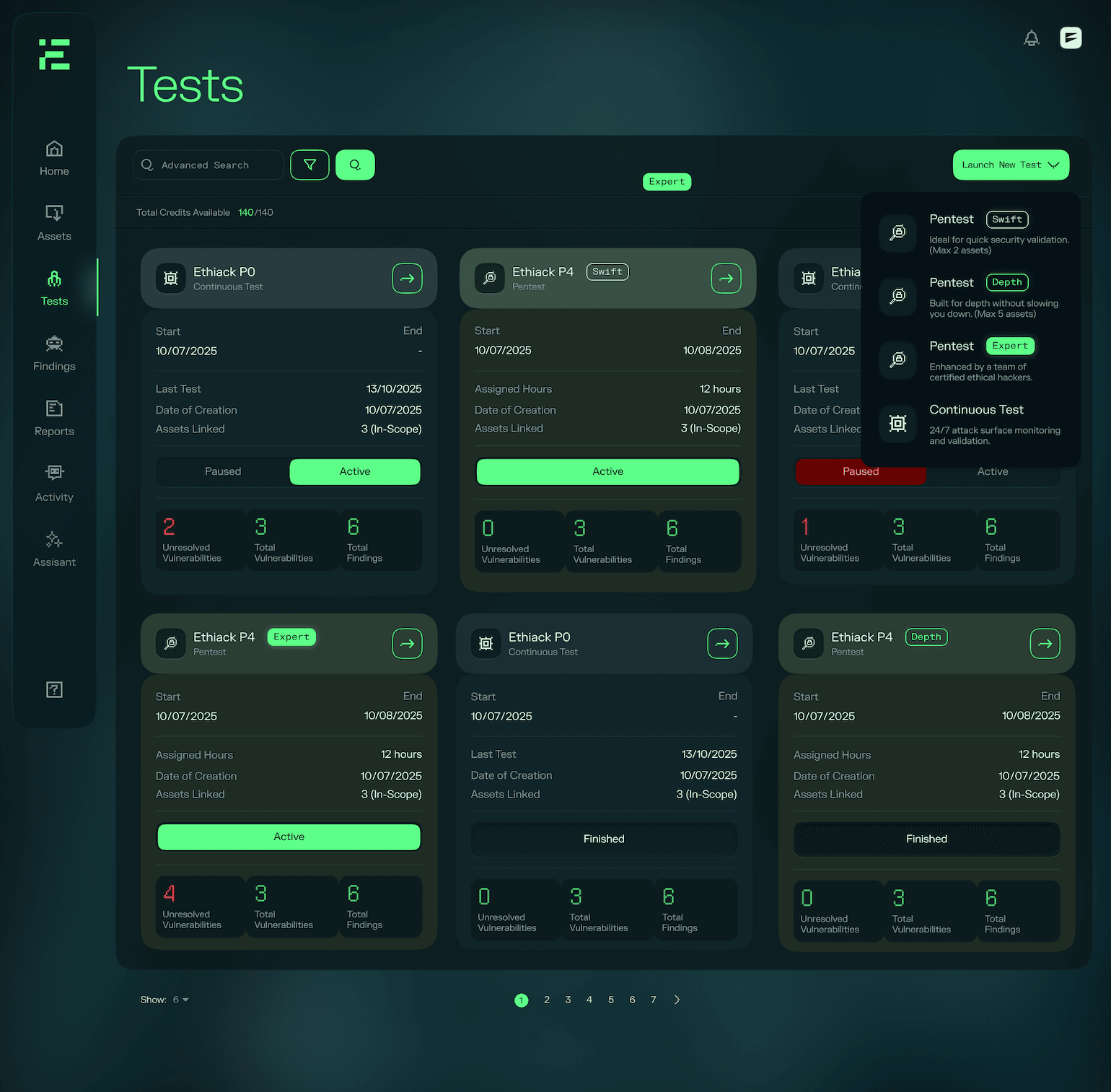
The Tests page is the central place to see every test running or completed for your organization: from always-on continuous coverage to on-demand agentic and expert pentests. From here you can track the status of each test, review its scope and findings, and launch new tests.
Available test types
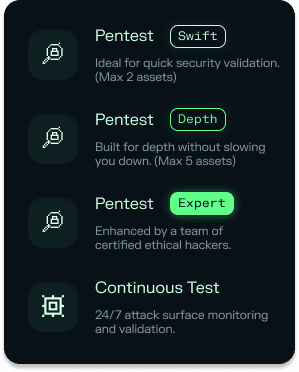
Ethiack offers three distinct test types, each designed for a different level of depth, cadence, and involvement. Whether you need continuous coverage across your entire attack surface, an on-demand deep dive into a specific set of assets, or the added confidence of human expertise, there is a test type built for the job.
| Test type | Cadence | Who runs it |
|---|---|---|
| Continuous Adversarial Exposure Validation | Always-on | Hackian |
| Agentic Pentest (Swift or Depth) | On-demand | Hackian |
| Expert Pentest | On-demand, scheduled | Hackian + human ethical hackers |
Test information at a glance
| Field | Description |
|---|---|
| Name | The name given to the test |
| Type | The test type: Continuous, Swift, Depth, or Expert |
| Status | The current state of the test: running, completed, or scheduled |
| Assets | The number of assets in scope for the test |
| Findings | Total number of findings identified across the test |
| Vulnerabilities | Total number of vulnerabilities (findings with a CVSS score) identified |
| Unresolved vulnerabilities | Number of vulnerabilities not yet marked as resolved |
| Dates | The start and end dates for the test |
Searching
You can search tests by name to quickly locate a specific engagement.
Filtering tests
The list can be filtered by:
- Type: show only Continuous, Swift, Depth, or Expert tests
- Status: show only tests that are active, paused, or finished
Default sort order
Tests are sorted automatically based on their status and recency:
- Active: shown first, with pentests (Swift, Depth, and Expert) listed before continuous tests
- Paused: shown next, ordered by start date with the most recent first
- Finished: shown last, ordered by completion date with the most recent first
Creating a new test
To launch a new test, use the Launch New Test button. This will guide you through selecting the test type (Continuous, Agentic or Expert), defining the assets in and out of scope. For Expert pentests this will initiate the scope call process with the Ethiack team, while other tests can be launched immediately.