Test Details
All the information available for any given test
The test details page gives you a complete view of a single test: its status, scope, findings, and the people involved.
Header
At the top of the page you can see the current status of the test, edit its name, and access its settings.
For Continuous Adversarial Exposure Validation tests, the header also includes a control to pause or restart the test depending on its current status.


Quick info
A summary panel surfaces the timetable for the test. Additional fields are displayed depending on the test type:
- Continuous: shows the currently running test or the date the last test run completed
- Agentic Pentests: shows the number of credits consumed and the total running time of the agent
- Expert Pentests: shows the number of credits assigned to the engagement

Policy
For pentest engagements (Agentic and Expert), a box displaying the test policy is shown. Once the pentest has started, the policy can no longer be edited.
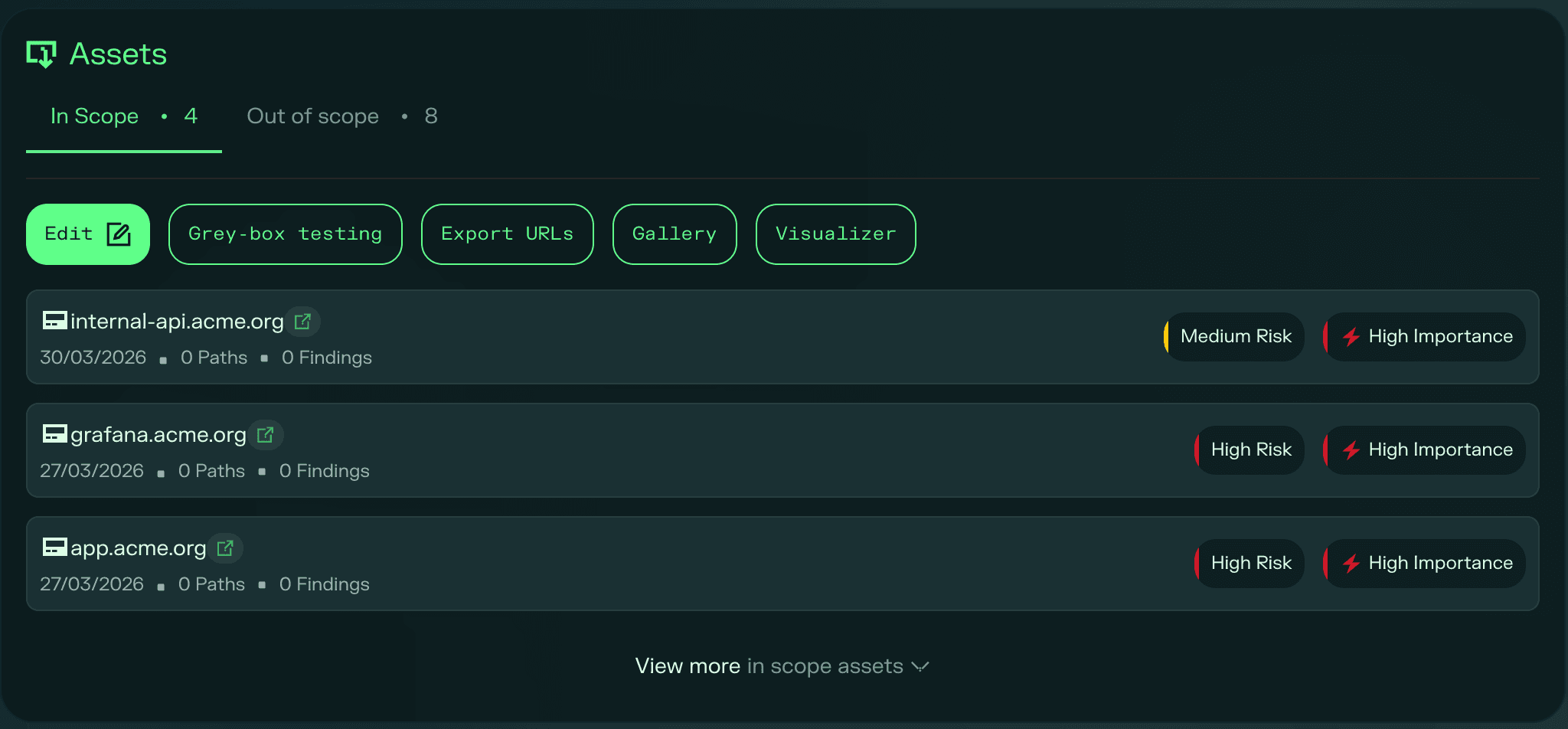
Assets
The assets section is split into two tabs:
- In scope: the assets included in this test. From here you can edit individual assets, add credentials, export URLs, view screenshots associated with an asset, or open the asset in the visualizer.
- Out of scope: the assets explicitly excluded from this test. You can edit this list at any time.
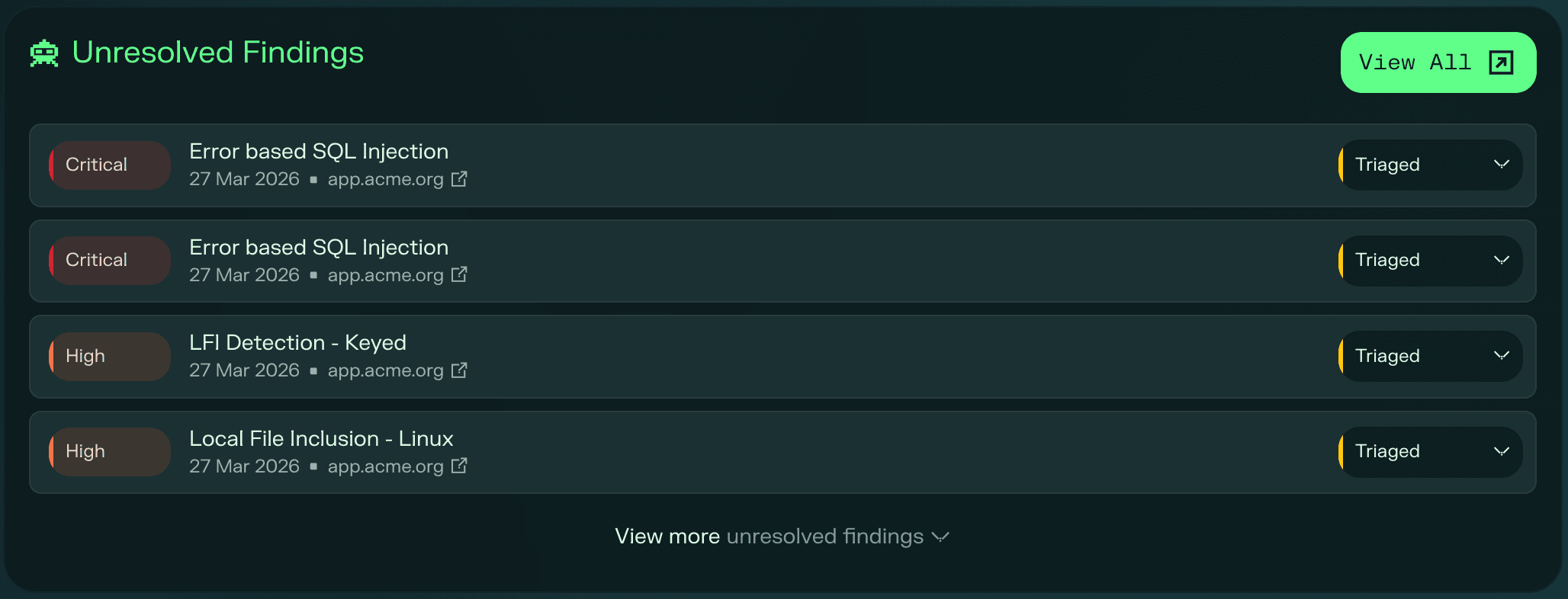
Findings
A list of the unresolved findings for this test, sorted by severity. Click View all to be taken to the Findings page pre-filtered to show only the findings from this specific test.
Right-hand panel
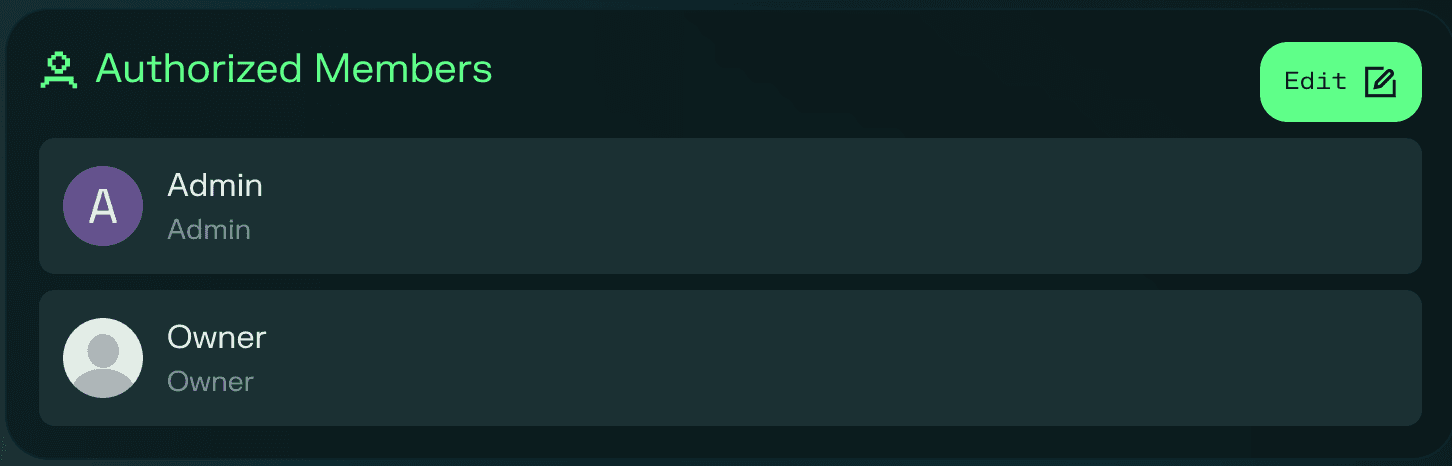
Authorized members
The members of your organization who have been granted access to view the results of this test.
Participants
Everyone taking part in the test: always includes Hackian, and for Expert Pentests also lists the human ethical hackers involved in the engagement.

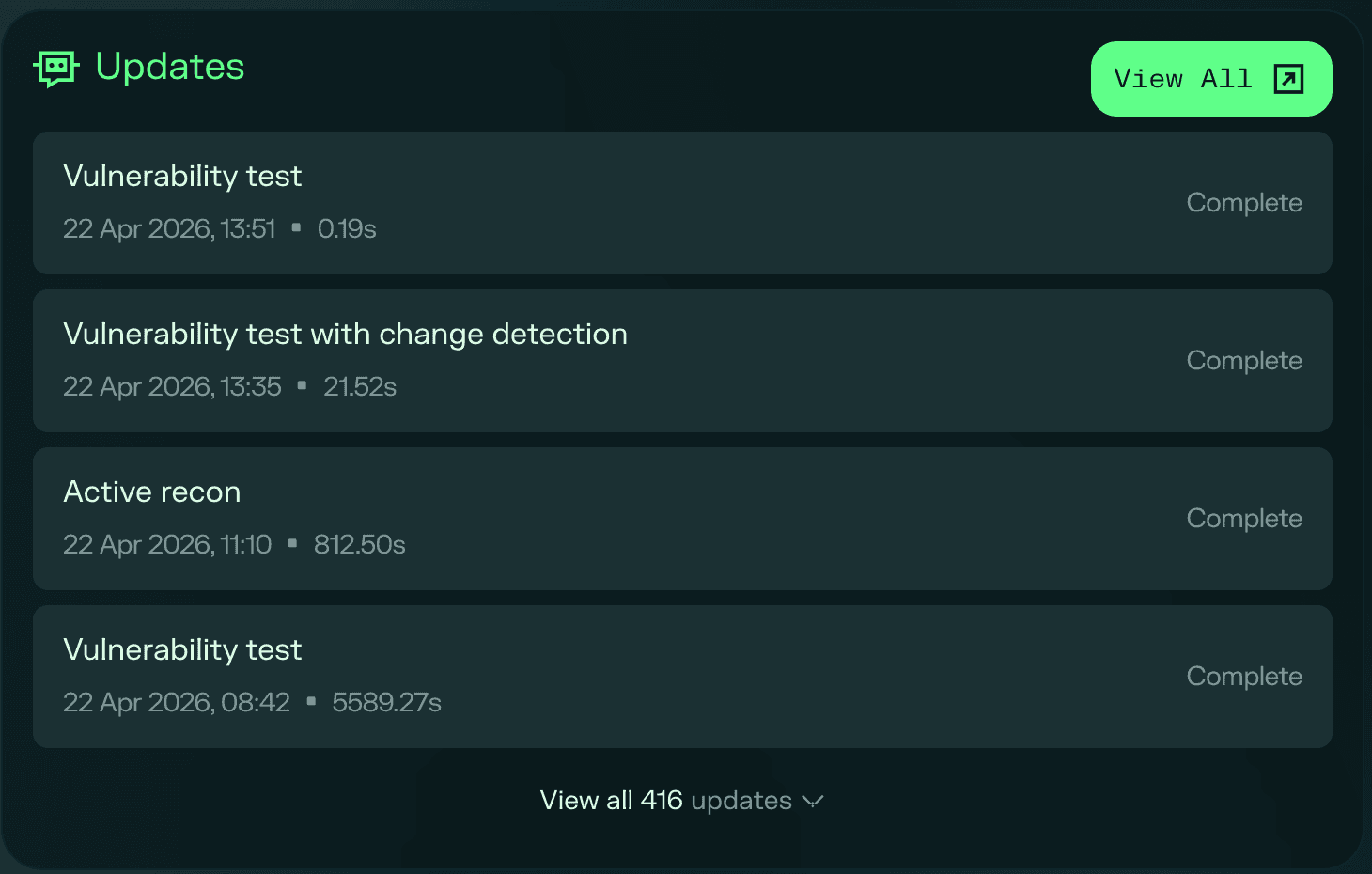
Activity
A log of the actions Hackian has been performing during the test, giving clients visibility into what is being tested and how the assessment is progressing.
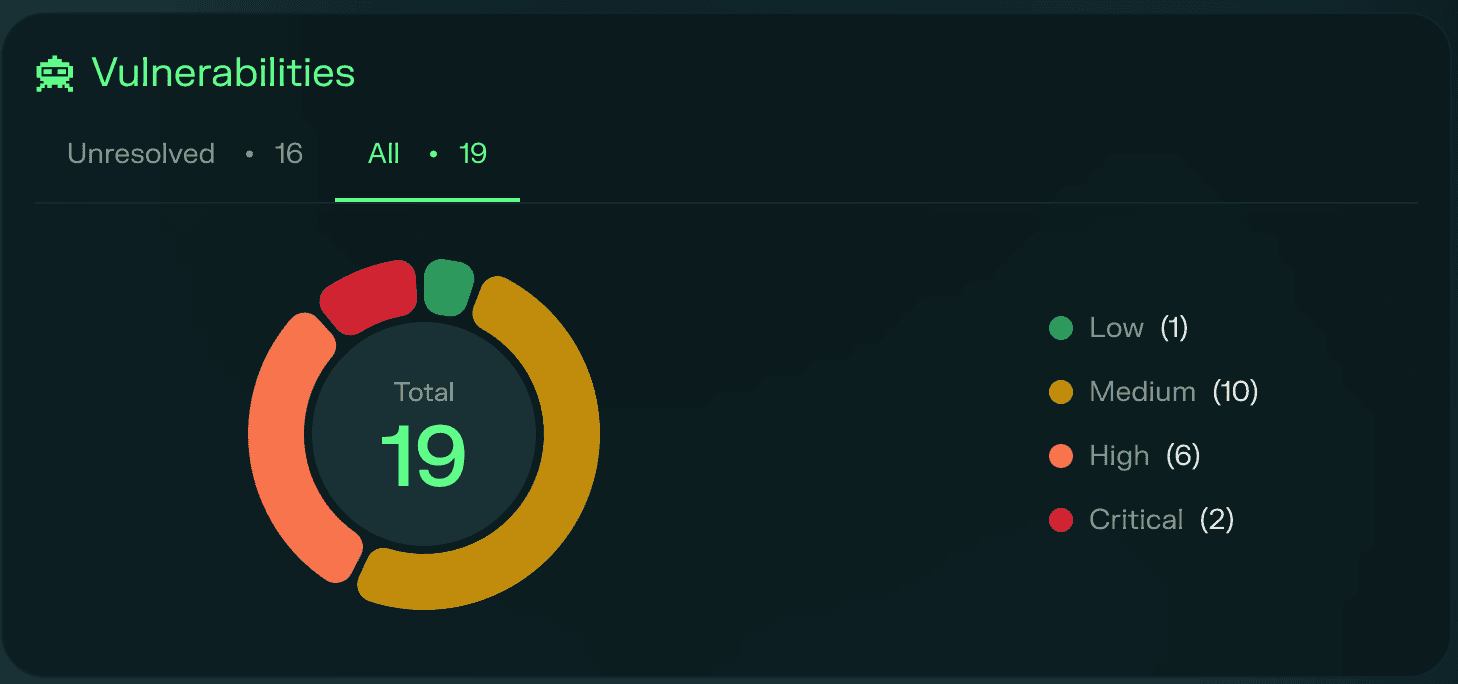
Vulnerabilities chart
A chart showing the total number of vulnerabilities found in this test alongside the number that remain unresolved.