Asset Details
Understanding the information available for each asset
The asset details page is the one-stop shop for everything Ethiack knows about a given asset. It brings together risk, technical context, findings, and test scope all in one place.
Risk level and importance
At the top of the page you'll find the asset's current risk level and its importance to your organization, giving you an immediate sense of how critical this asset is and how exposed it currently is. A delete button is also available here if you want to remove the asset entirely.

Asset overview
A quick-reference section with key technical details about the asset, including:
- IP address
- Provider: the hosting or cloud provider the asset is running on
- Location: the geographic location of the asset

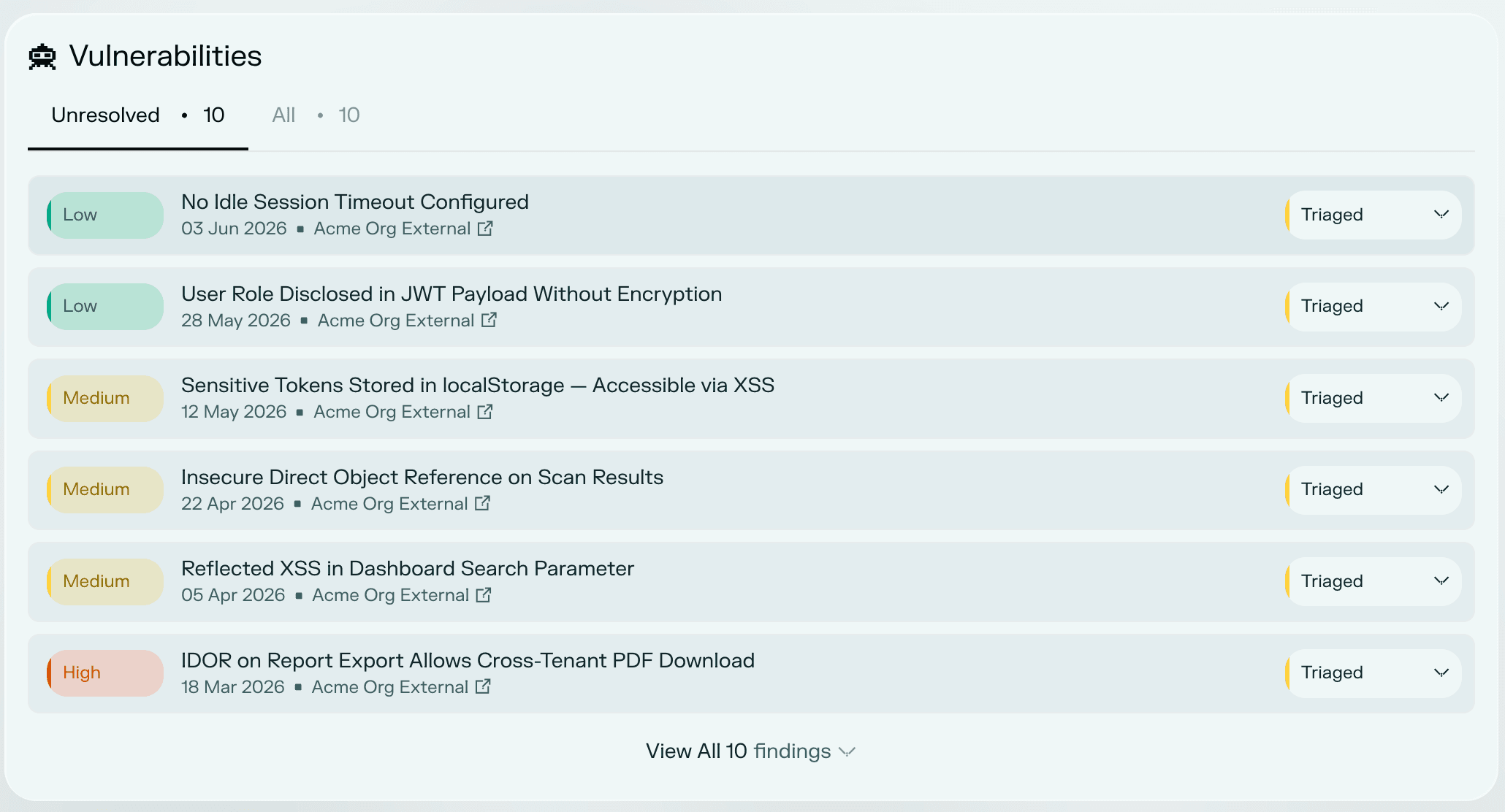
Vulnerabilities
A list of vulnerabilities identified for this asset. Unresolved vulnerabilities are shown by default, but you can switch the view to see all findings regardless of status.
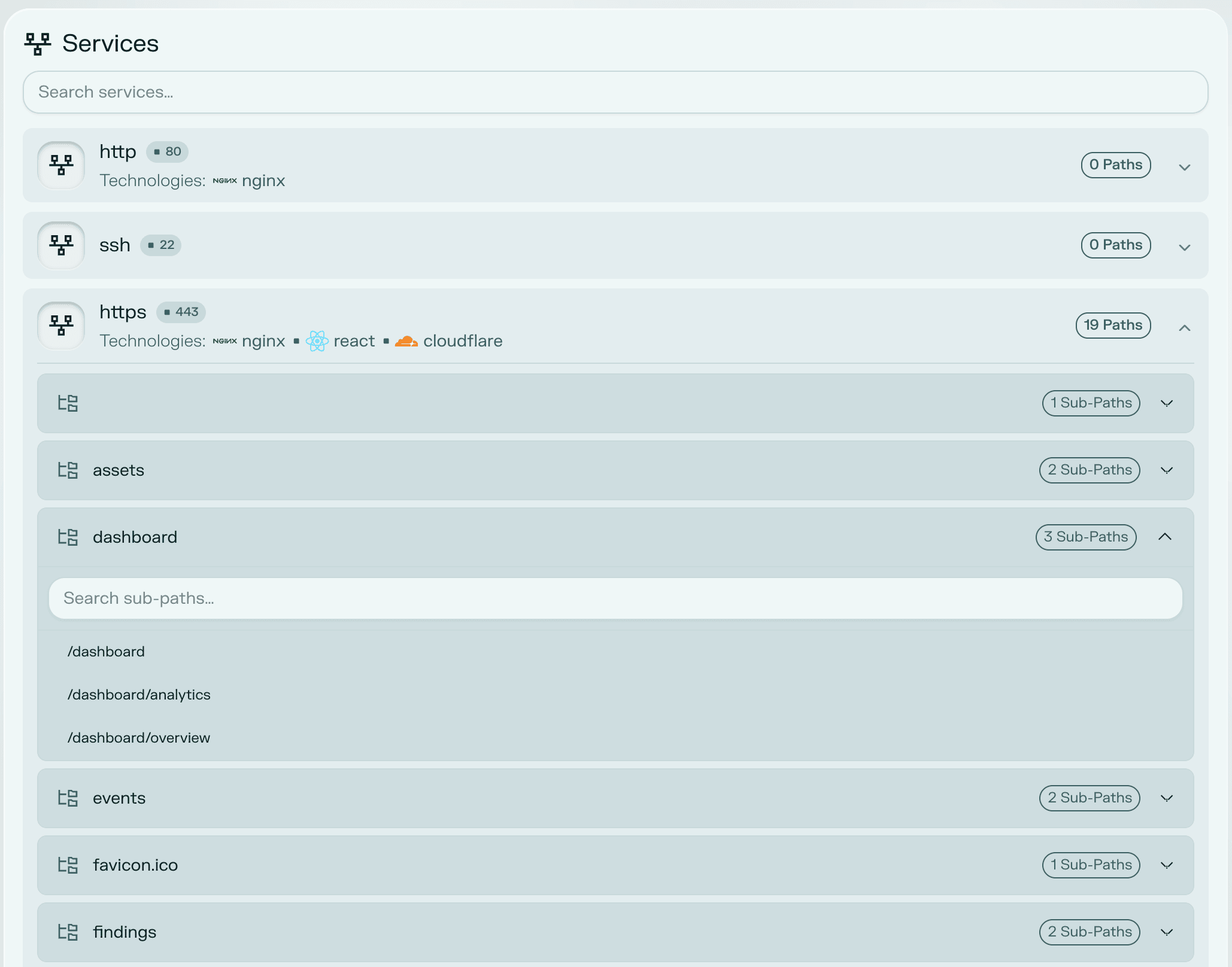
Services and paths
The services detected on the asset, along with the paths found under it when available. This gives you visibility into the asset's exposed attack surface at a technical level.
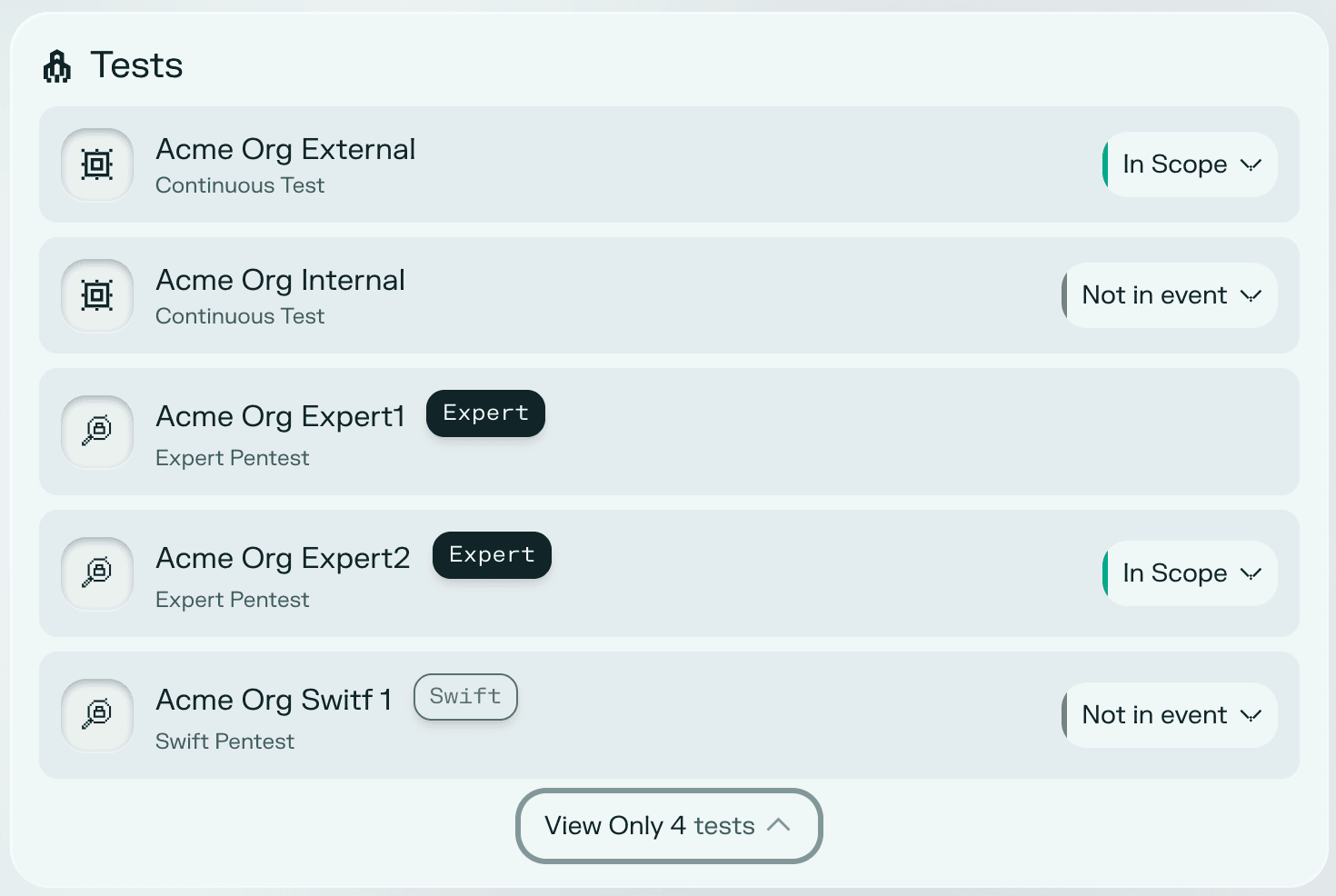
Test scope
An overview of every test and whether this asset is in scope, out of scope, or not in test for each one. You can manage the asset's presence in any given test directly from this section.
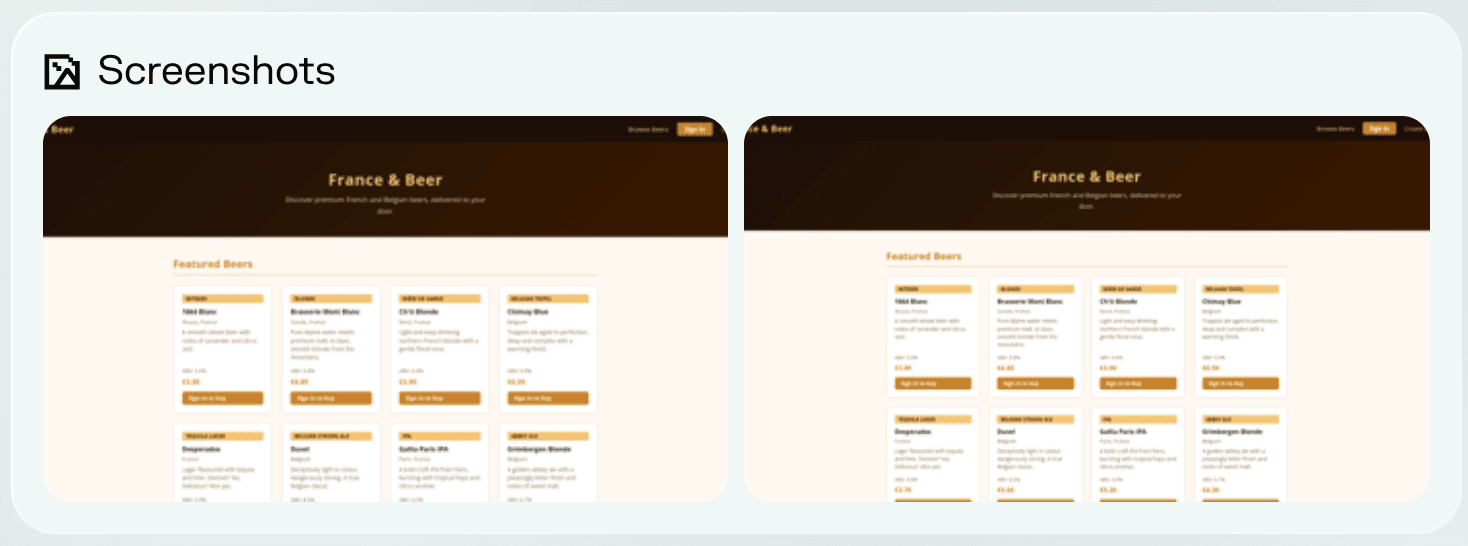
Screenshots
If available, screenshots of the application are shown here, providing a visual snapshot of what the asset looks like from the outside.