Finding Details
All the information available for any given finding
The finding details page is the single place to review everything Ethiack knows about a given finding: its risk, origin, technical context, and the full timeline from discovery to resolution.
Header
At the top of the page you have immediate access to the finding's severity and status, along with three or four action buttons:
- Edit severity and score: adjust the severity or CVSS score assigned to the finding
- Export: download the full finding page for reporting purposes
- Ask Hackian: open a conversation with our AI about this specific finding
- Retest Button: Visible only when the finding is marked as Fixed. Click to request a retest. If a retest is already in progress, this button shows its current status. See Retesting for the full flow

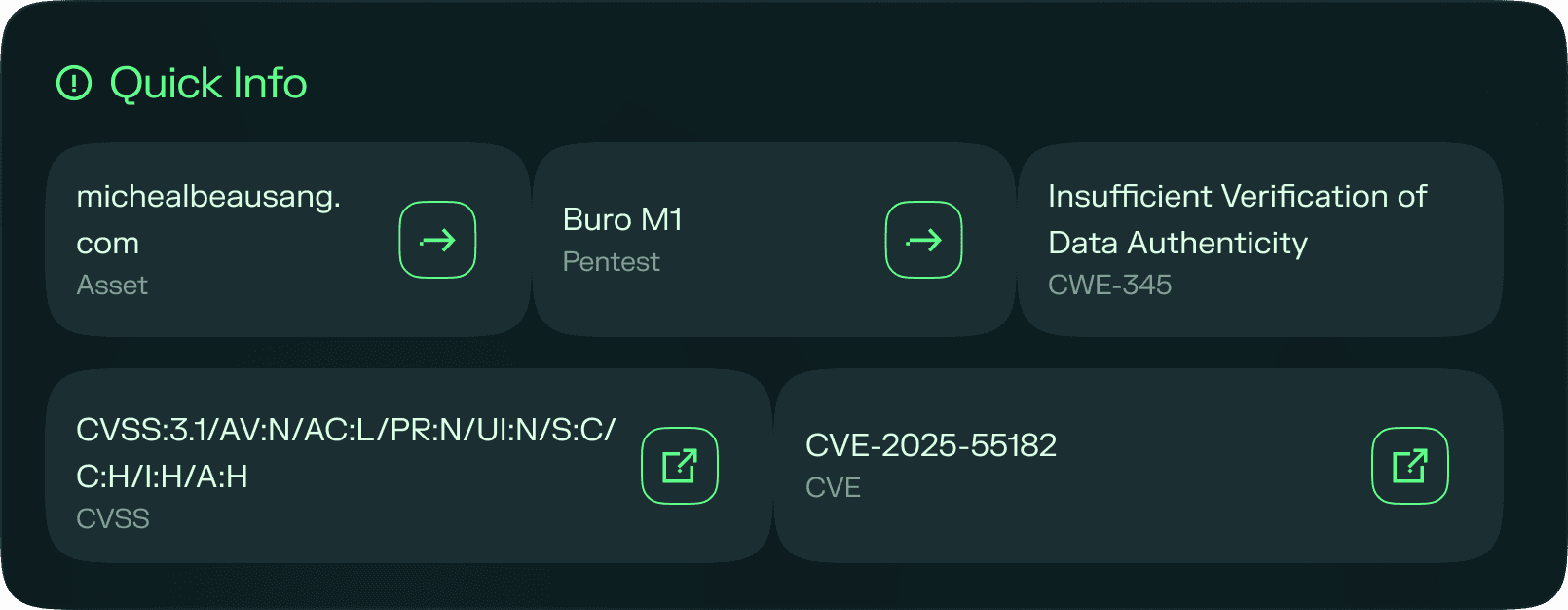
Quick info panel
A summary panel surfaces the most important contextual details at a glance:
| Field | Description |
|---|---|
| Asset | The asset where the finding was identified |
| Test | The test the finding originated from |
| CVE / CWE | The CVE or CWE associated with the finding, if applicable |
Risk indicators
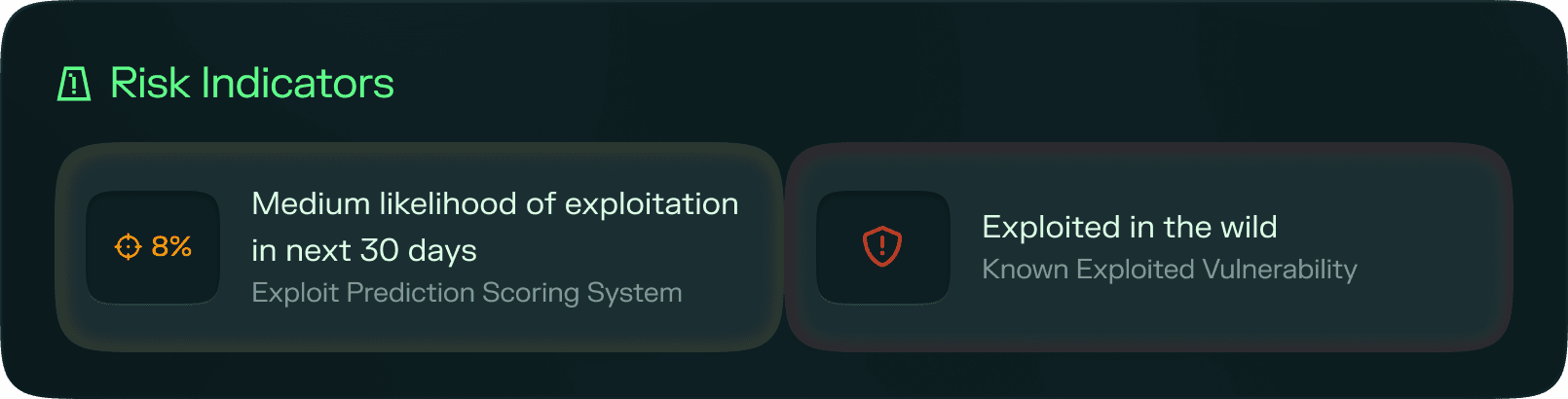
For findings that have an EPSS score or appear in the CISA KEV catalogue, a Risk Indicators section is shown with the relevant vulnerability intelligence data. This section is not displayed for findings where neither signal is available.
For a full explanation of what these indicators mean and how to use them, see CISA KEV and EPSS.
Exploit timeline
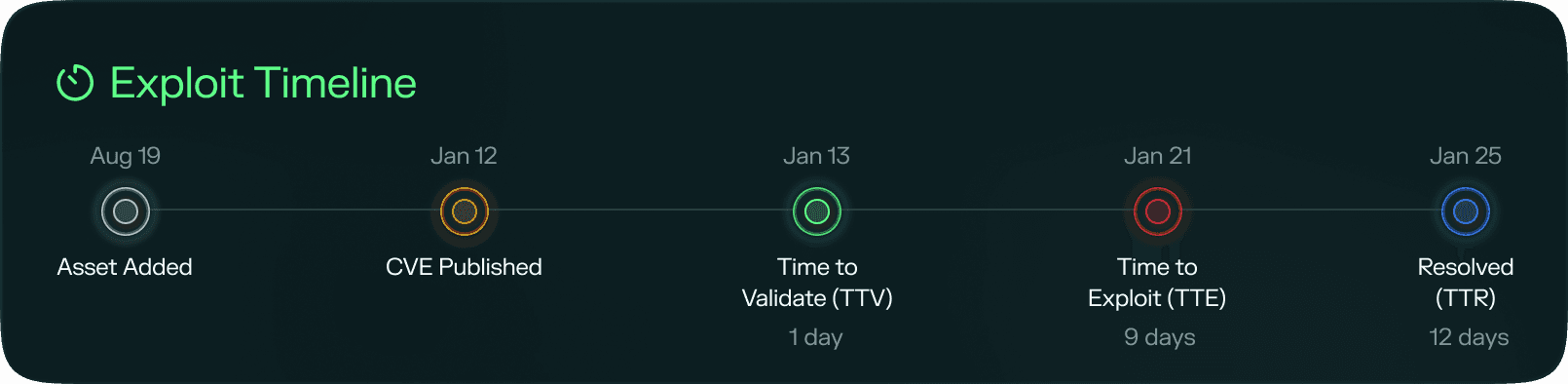
The exploit timeline presents a chronological view of every key event related to the finding, from the moment the asset entered testing through to resolution. The following events are displayed where data is available:
- Asset added: when the asset was added for testing
- CVE published: the date the associated CVE was published (CVE findings only)
- Added to KEV: the date the finding was added to the CISA KEV catalogue (KEV findings only)
- Identified by Ethiack: when Ethiack first detected the finding on the asset
- Resolved: when the client marked the finding as resolved
Calculated metrics
Based on the timeline events above, three metrics are automatically calculated:
| Metric | Definition |
|---|---|
| TTE (Time to Exploit) | The time between CVE publication and known exploitation, calculated as the KEV date minus the CVE publish date |
| TTV (Time to Validate) | The time it took Ethiack to identify the finding, calculated from whichever came first: the asset being added or the CVE being published |
| TTR (Time to Resolution) | The time the client took to resolve the finding after Ethiack reported it |
Finding report
The finding report contains the full technical write-up for the finding, structured to give security and development teams everything they need to understand, reproduce, and remediate it.
- Description: an overview of the finding and how it can be exploited
- Steps to reproduce: a step-by-step guide that allows clients to replicate the finding and verify that any fix applied has been effective
- Evidence: proof of exploitation demonstrating that the vulnerability was successfully triggered and is genuinely exploitable
- Impact: an explanation of what an attacker could achieve by exploiting this finding and the potential harm it could cause to the organization or its customers
- Suggested mitigations: actionable guidance on how to resolve the finding, helping clients respond faster and with confidence
Finding management
The right-hand side of the finding details page provides finding management and collaboration tools.
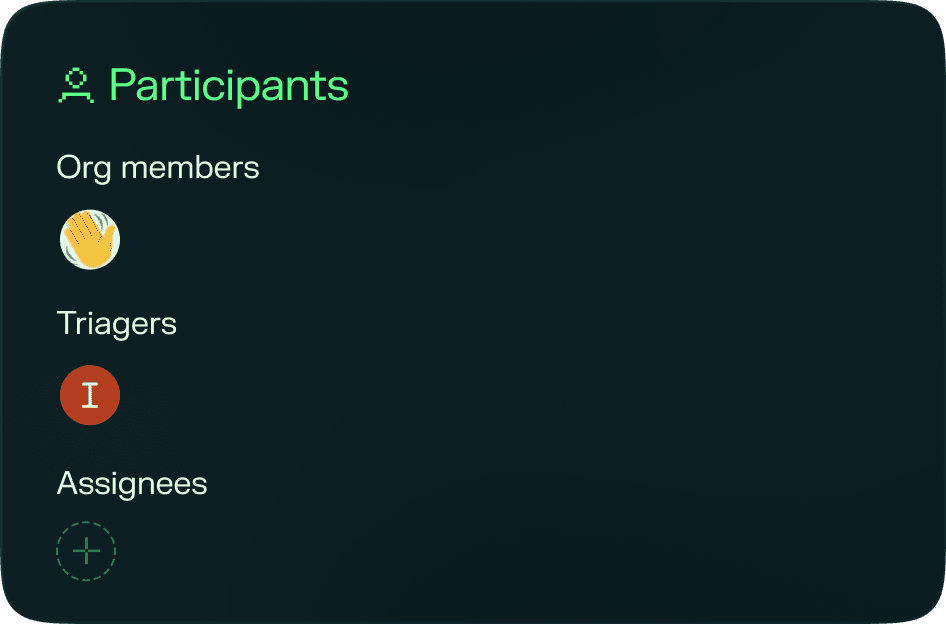
Participants
Shows everyone involved with the finding:
- Organization members: the members of your organization who have access to this finding
- Assignee: the organization member marked as responsible for driving remediation
For findings from pentest engagements involving human hackers, two additional roles are shown:
- Ethical hackers: the hackers who participated in the test that surfaced the finding
- Triagers: the team members responsible for triaging findings from that engagement
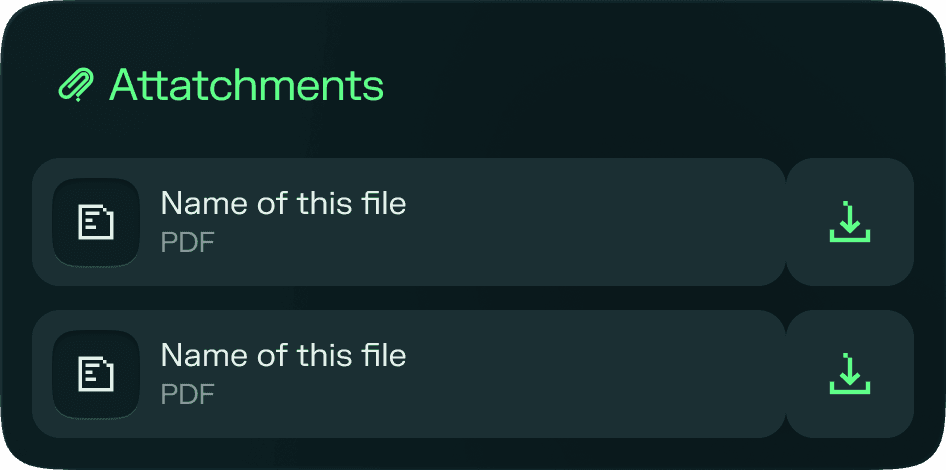
Attachments
Any files attached to the finding (such as screenshots or detailed evidence artifacts) are listed here for easy access.
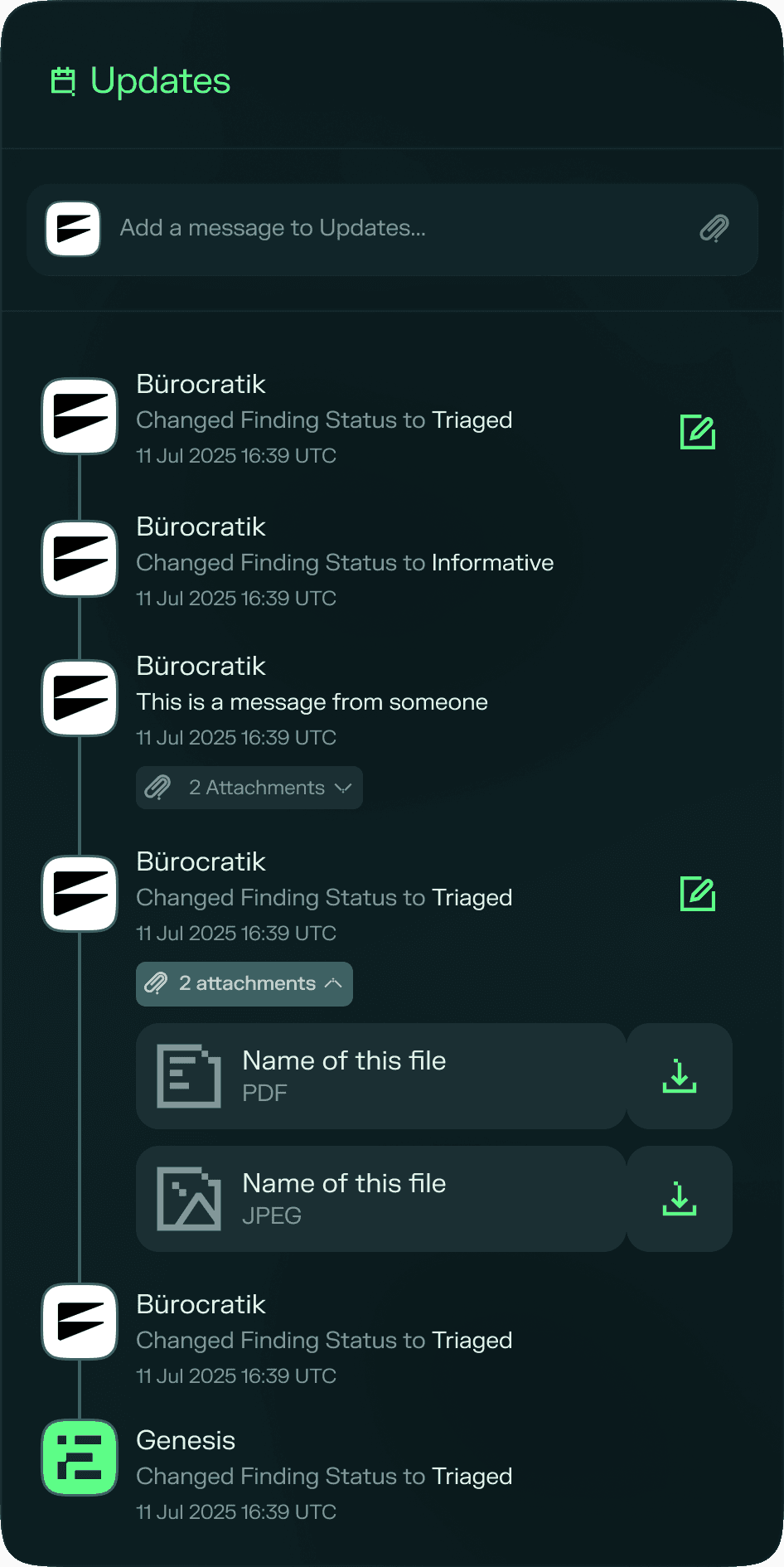
Updates
A chronological feed of status changes and comments between all participants. Use this section to share context, coordinate remediation, or communicate directly with the ethical hackers or triagers involved in the finding.