How to impersonate an Organization?
Impersonating an organization via a partner portal allows partners to seamlessly access and manage resources as if they were part of the organization.
Impersonating an organization via a partner portal allows partners to seamlessly access and manage resources as if they were part of the organization. This functionality is essential for streamlining operations, improving customer support, and ensuring secure, accountable interactions between partners and the organization.
To impersonate an Organization, follow these steps:
- Login on your account as a Partner.
- Go to Hacking Center and click on it.
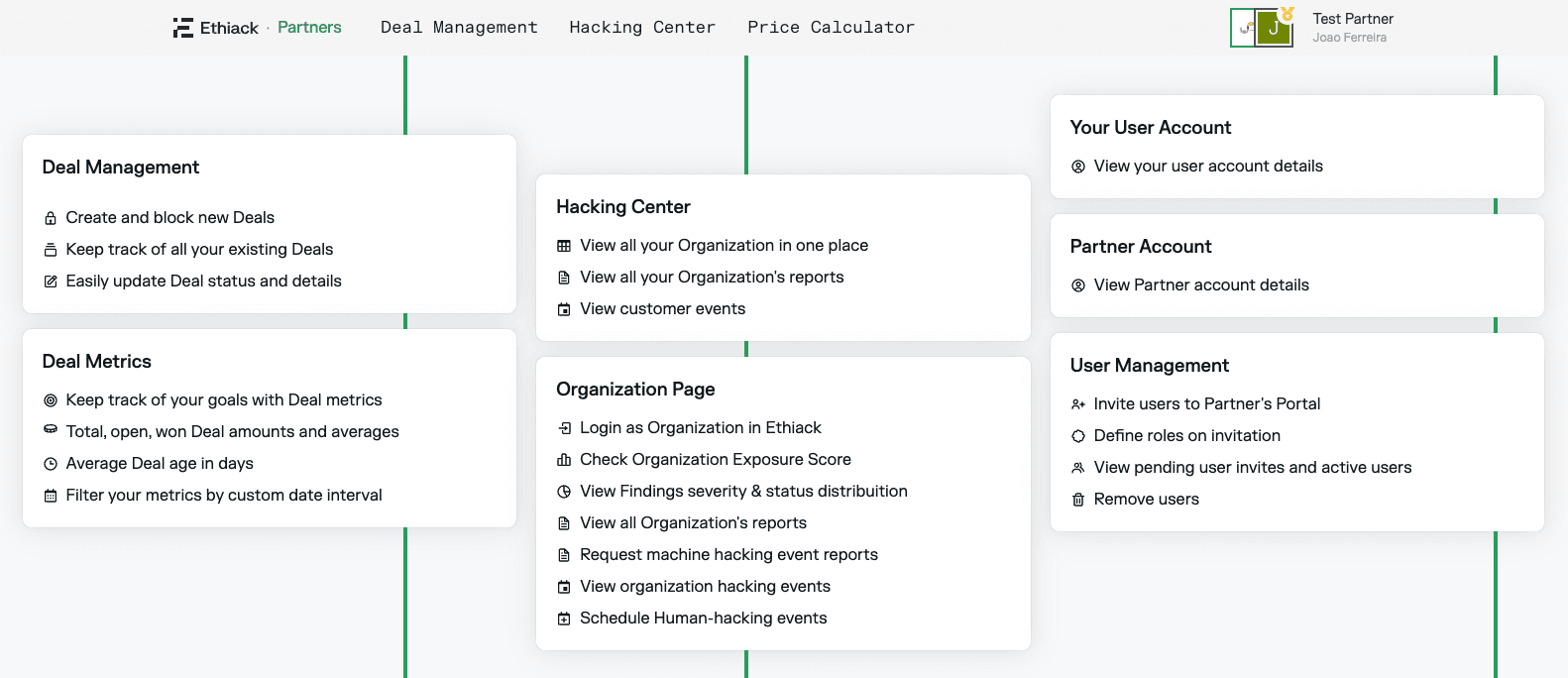
- The organizations you have access to will appear. Select the one you want to impersonate.
- Click on Login as Organization to impersonate it.
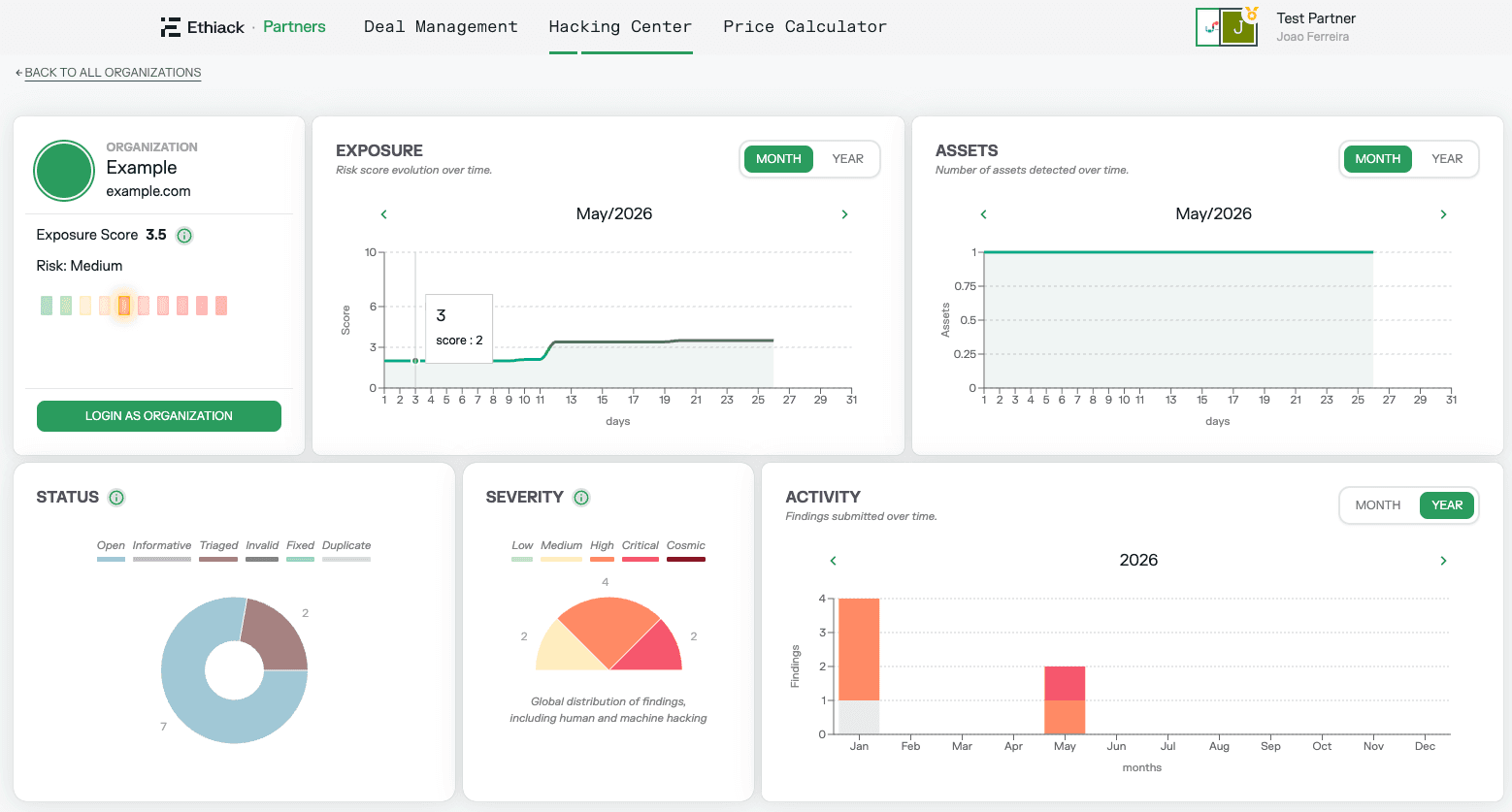
- You can now work as if you were inside the organization's account.
By default, impersonation is enabled for all organizations. If an organization prefers not to allow partner impersonation, they can disable it under Settings > Preferences by deselecting Allow Partner to login to this account.